Features
WIN PROJECTS
Takeoffs
NEW!
Estimate Builder
Bid Management
3D Floor Plans
Proposals & Sourcing
Mood Boards
Selections
NEW
CRM
Email Marketing
GET PAID
Invoicing & Payments
Time and Expense Tracking
Financial Reports
WORK SMART
Project Management
Project Collaboration
Schedule
Product Clipper
Variation Orders
Client Dashboard
eSignature & Approvals
Insights & Analytics
Integrations
Support
Mobile App
WIN PROJECTS
Takeoffs
NEW!
Estimate Builder
Bid Management
3D Floor Plans
Proposals & Sourcing
Mood Boards
Selections
NEW
CRM
Email Marketing
Support
WORK SMART
Project Management
Project Collaboration
Schedule
Product Clipper
Variation Orders
Client Dashboard
eSignature & Approvals
Insights & Analytics
Integrations
Mobile App
GET PAID
Invoicing & Payments
Time and Expense Tracking
Financial Reports
Who We Serve
Interior Designers
Builders & Renovators
Architects
Subcontractors
Interior Designers
Builders & Renovators
Architects
Subcontractors
Learn
Help Center
Product News
Video Tutorials
Business Management
Learn Blog
Pro Success Stories
Help Center
Product News
Video Tutorials
Business Management
Learn Blog
Pro Success Stories
Pricing
Houzz Pro Help Centre
Takeoffs
Takeoffs
How to Use the Takeoffs Toolbar
How to Save Marked-Up Plans
How to Use Takeoffs on the Houzz Pro App
How to Use the Product Library in Takeoffs
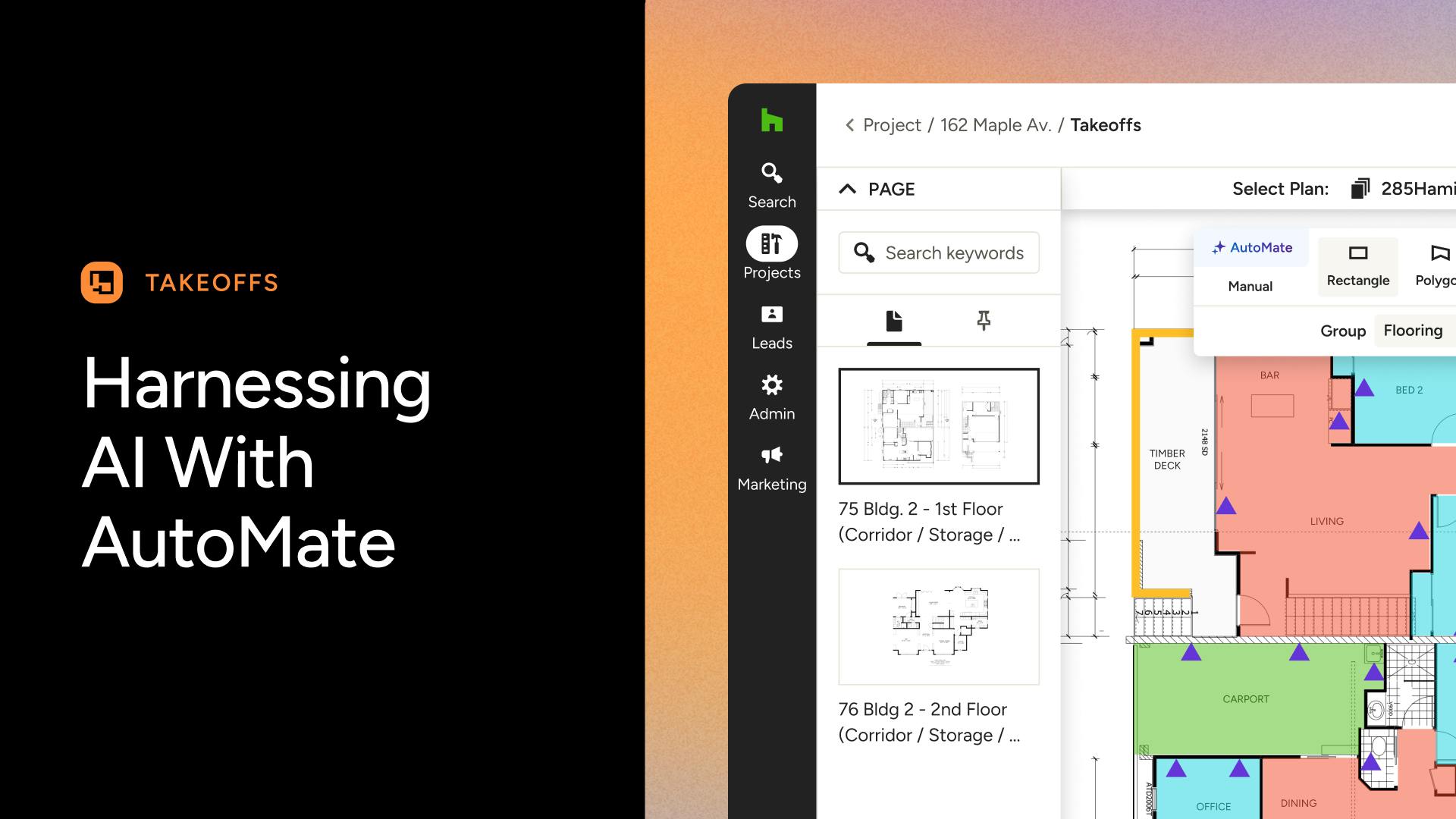
AutoMate AI for Takeoffs
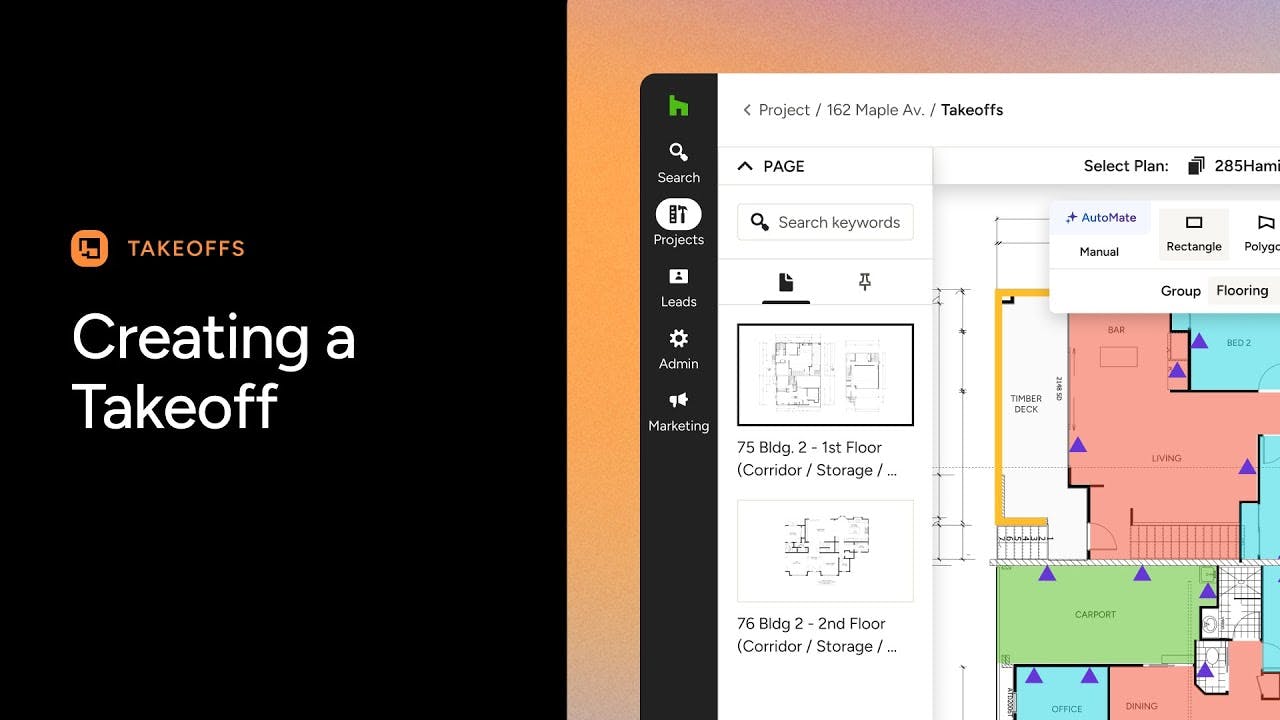
How to Use Takeoffs on Houzz Pro
How to Convert a 3D Floor Plan to Takeoffs
Page Settings in Takeoffs
Takeoffs Keyboard Shortcuts
How to Export a Takeoff to Excel
How to Hide a Layer on the Takeoff Canvas
How to Customise the Takeoff Summary
How to Duplicate and Edit Takeoff Estimates
How to Set the Correct Scale on Takeoffs
Adjusting Takeoff Measurements in the Measurements Drawer
Trade-specific Takeoffs
How to Do a Paint Takeoff
How to Do a Plasterboard Takeoff
How to Do an Electrical Takeoff
How to Do a Framing Takeoff
Video Tutorials